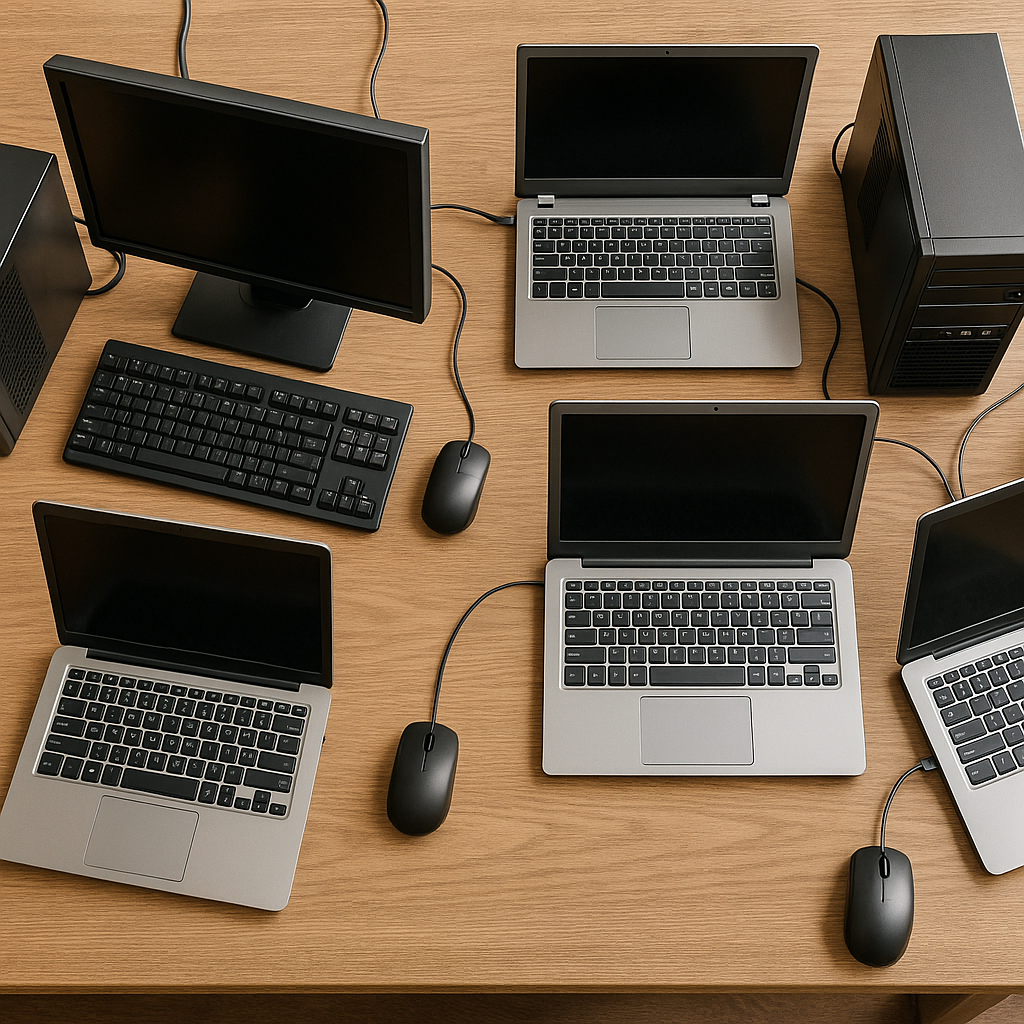
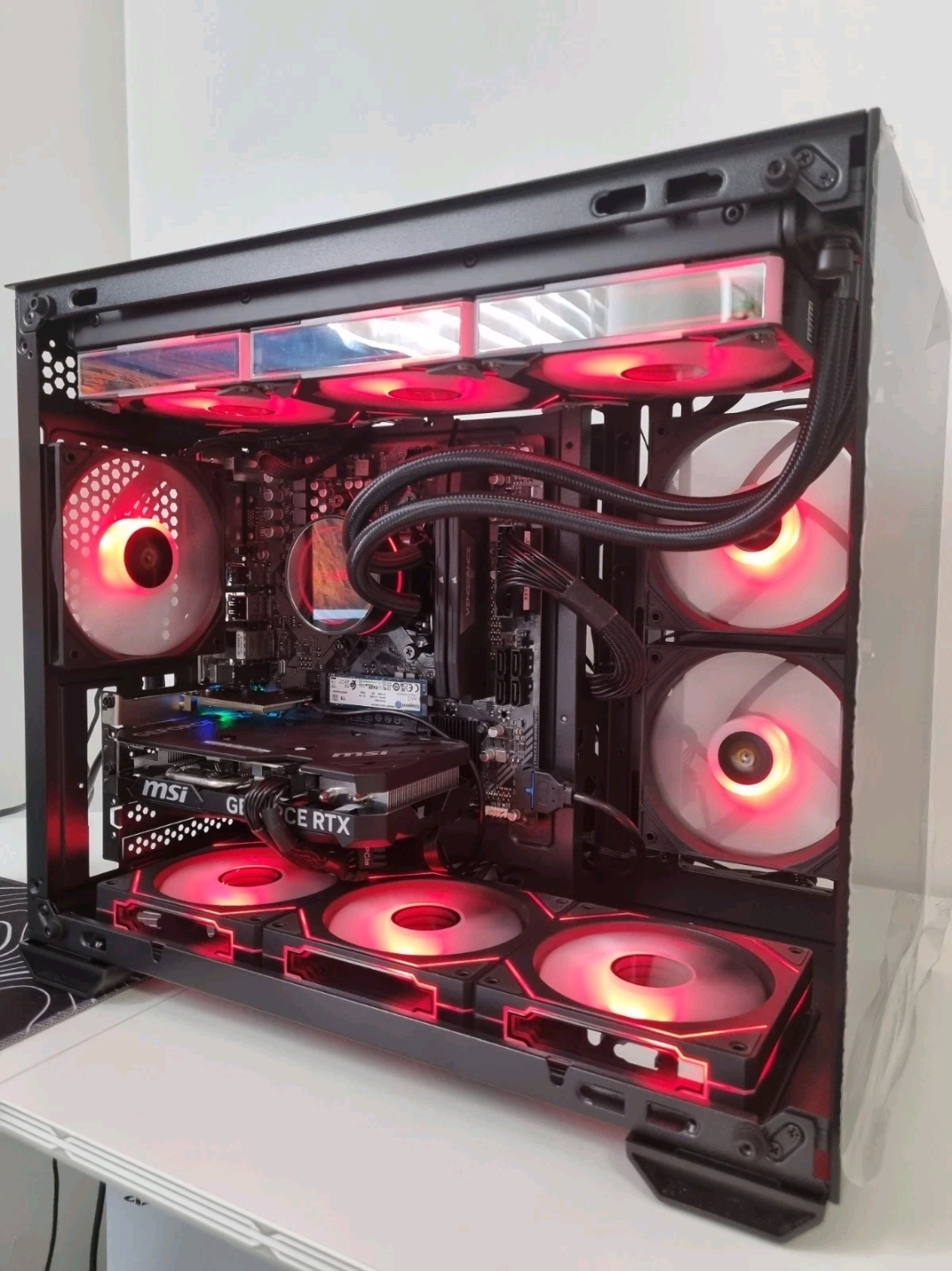
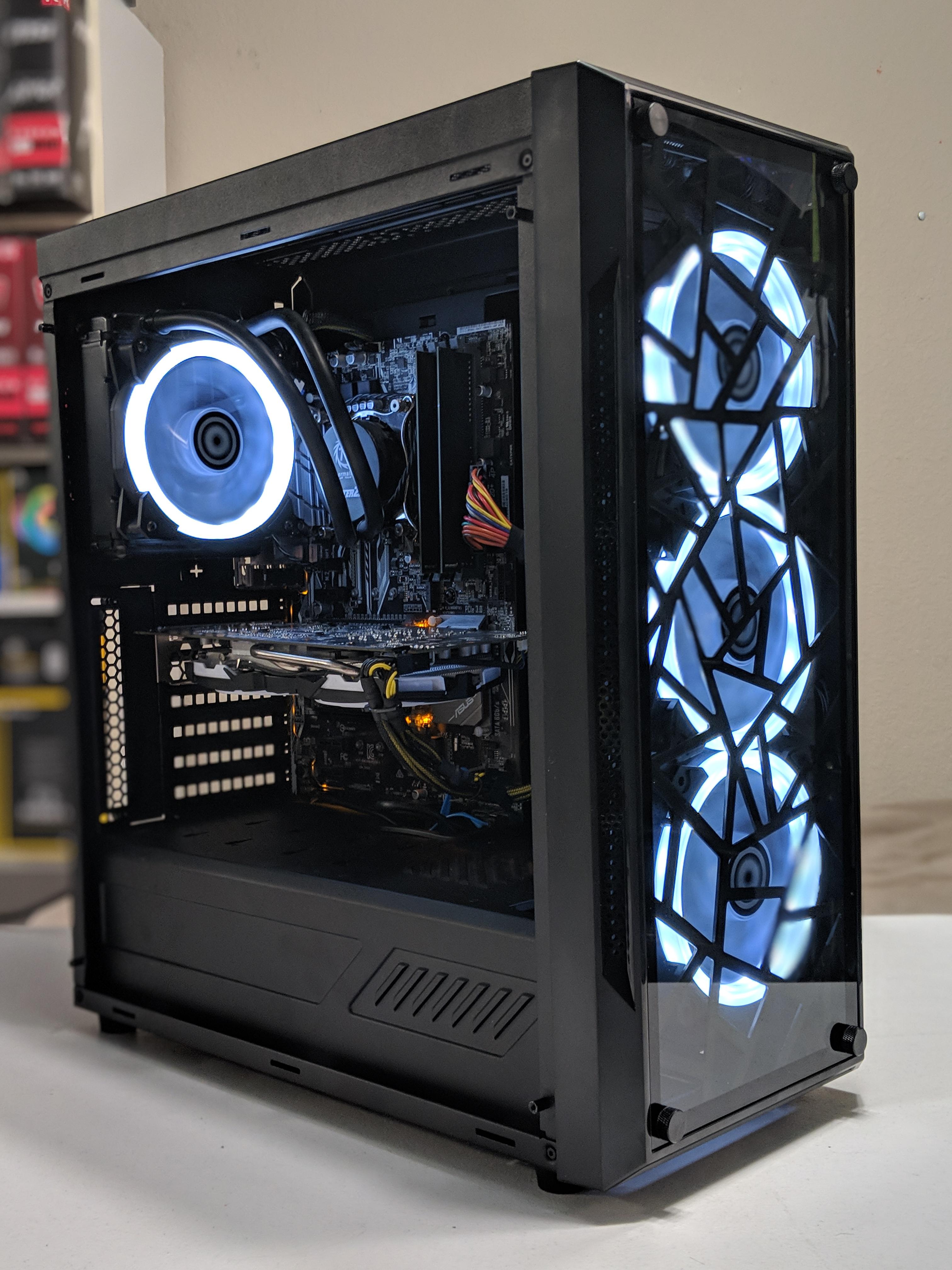
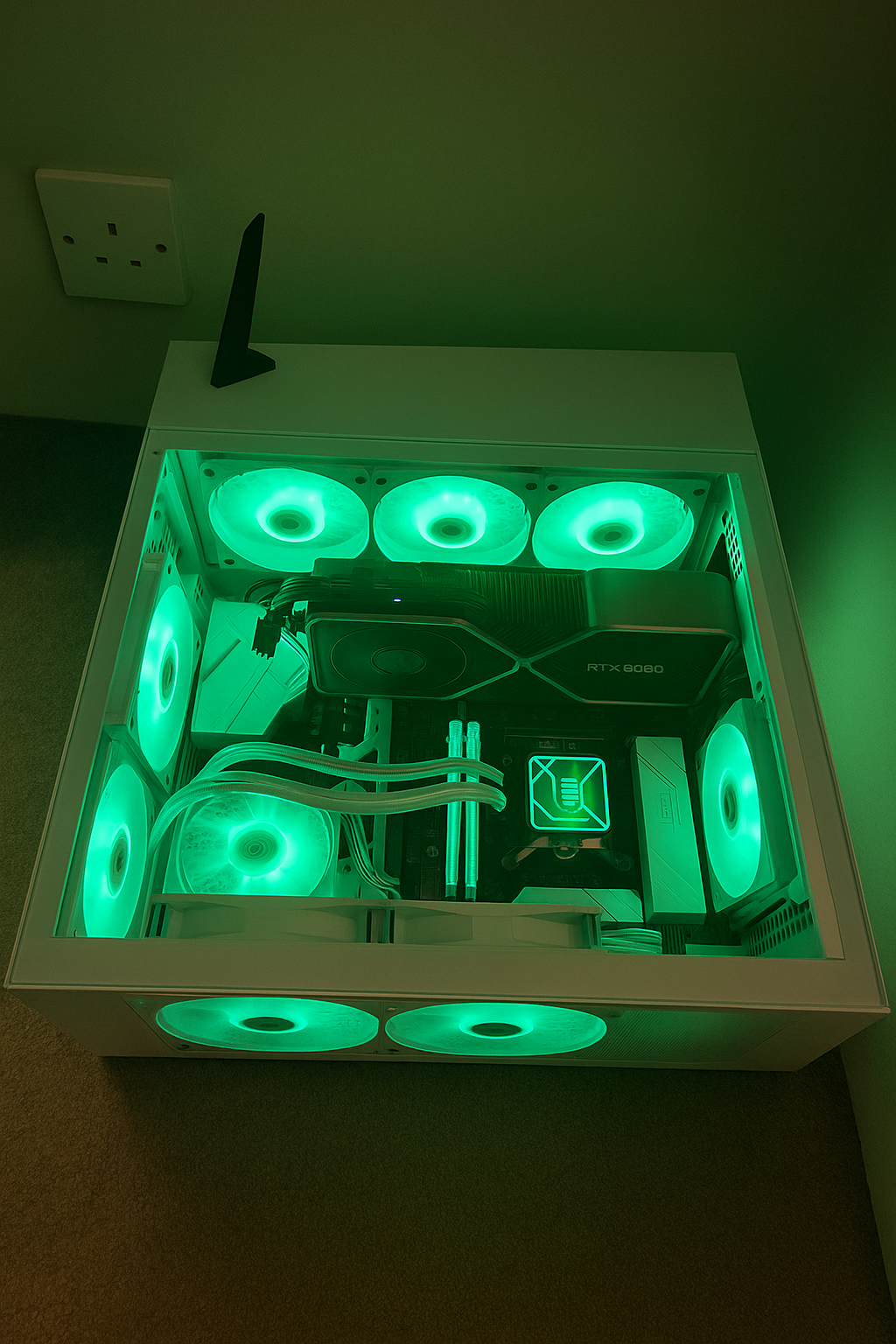
Component models shown are examples; availability and pricing can vary. We’re happy to swap brands or aesthetics to taste.
Areas We Cover
Local call-outs and collect/return service.
CobhamEsherAshteadLeatherheadEpsomKingstonWokingSurrounding areas
About CircuitFox
We’re a friendly local team who’ve built and repaired PCs for years — from quiet family desktops to high-performance workstations. We believe in honest advice and doing the job properly.
✓ Clear quotes before work starts
✓ Data handled securely and privately
Reviews: VR & Smart Glasses
Balanced, practical impressions focused on setup, comfort, and value — with a tech’s-eye view on what matters day to day.
Display
Micro-OLED (projected virtual screen)
Connectivity
USB-C (DP Alt Mode) via compatible devices
Audio
Open-ear speakers
Prescription
Optional inserts available
Use cases
Personal cinema, light desktop work, travel
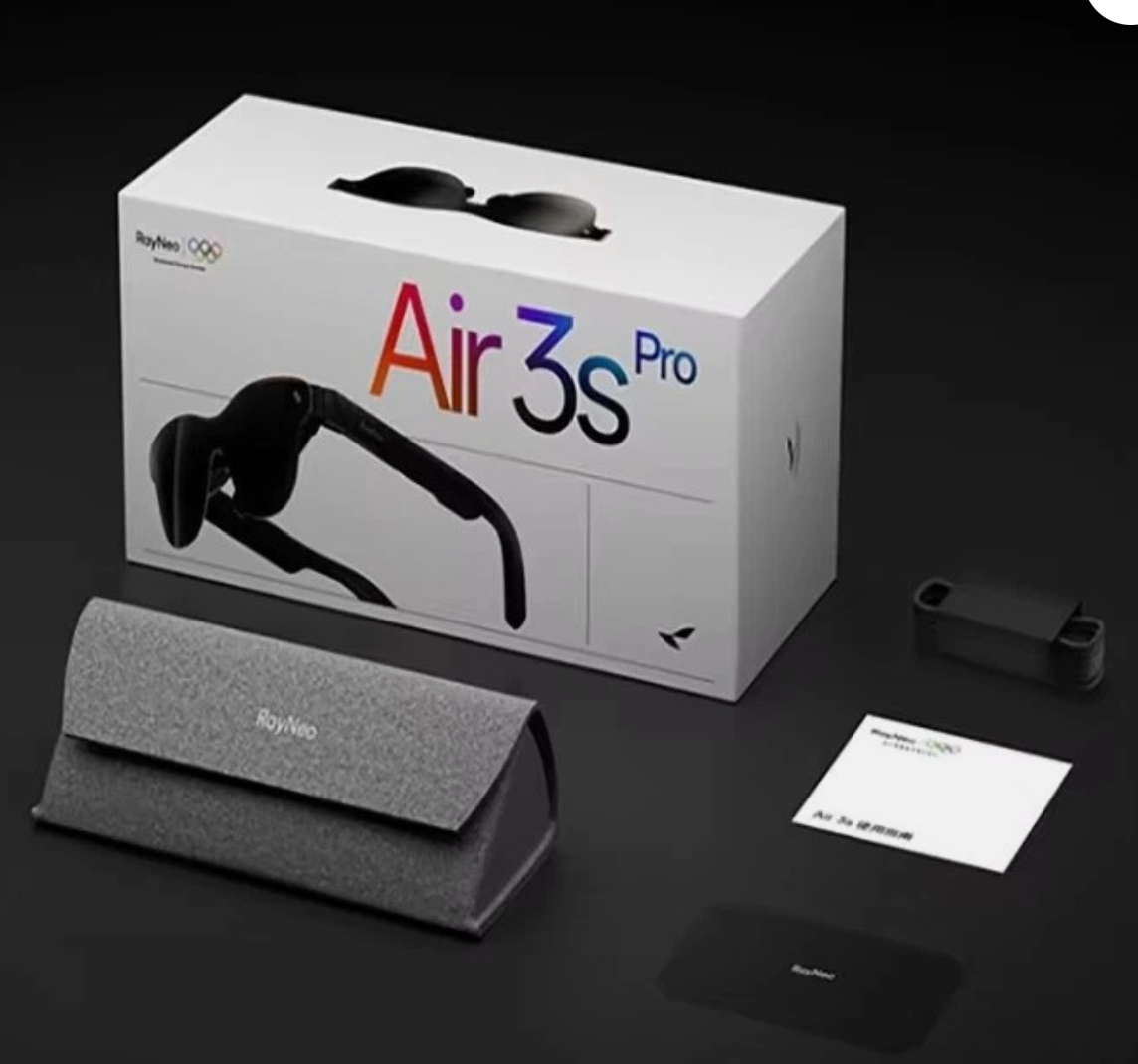
RayNeo Air 3S Pro — Smart Glasses
Setup & compatibility: If your laptop, handheld or Android phone supports DisplayPort over USB-C, setup is instant — plug in and you’re looking at a large, floating screen. For iPhones or devices without DP Alt Mode, you’ll need an adapter, which adds a small cost and a little cable bulk. Once connected, latency is negligible for video and general productivity.
Picture quality & use: The micro-OLED image is crisp with excellent contrast, making films, YouTube and even spreadsheet work comfortable. The virtual screen feels like a 100–130″ TV a few metres away. For productivity, it’s best as a single “focus” display; you can mirror a desktop, but it’s not a multi-window AR workspace — think portable cinema more than holographic computer.
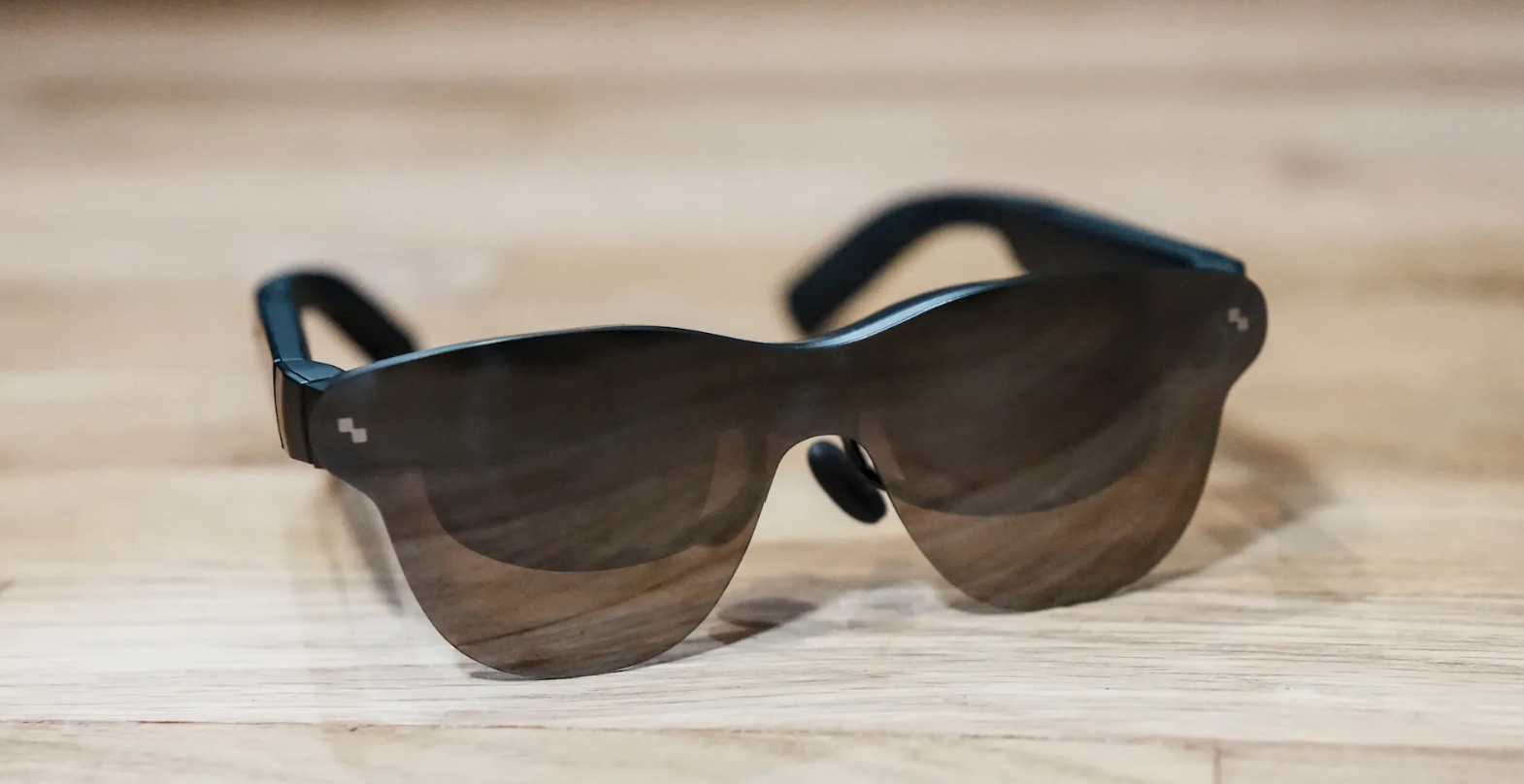
Comfort & design: Weight distribution is sensible and the nose pads are adjustable, so most people can wear them for a film without hotspots. They’re impressively thin and tidy-looking, which helps them pass for normal sunglasses more than most wearable displays. Open-ear speakers keep you aware of your surroundings and are fine for video; for privacy or bass, pop in earbuds.
Side profile: slim temples and neat finish.
Where they shine: Commuting, flights, hotels and shared spaces — anywhere you want a big screen without disturbing others. They’re also handy as a “guest” monitor while we diagnose a PC, or as a discreet second screen for notes during calls.
Trade-offs: Bright daylight can wash the image unless you use the included light shield. Audio leaks a bit at higher volumes. And because it’s a display, not a full AR headset, there’s no spatial tracking or room-aware interaction. As with all DP-Alt products, compatibility quirks can require adapters.
Verdict: If you want a portable, good-looking big screen for media and light work, the Air 3S Pro delivers with minimal faff. If you’re expecting interactive AR or full desktop replacement, you’ll want something else — but as a travel-friendly personal cinema, they’re an easy recommendation.
Interested in the RayNeo Air 3S Pro? We can supply, advise on compatibility, and include **free setup**.
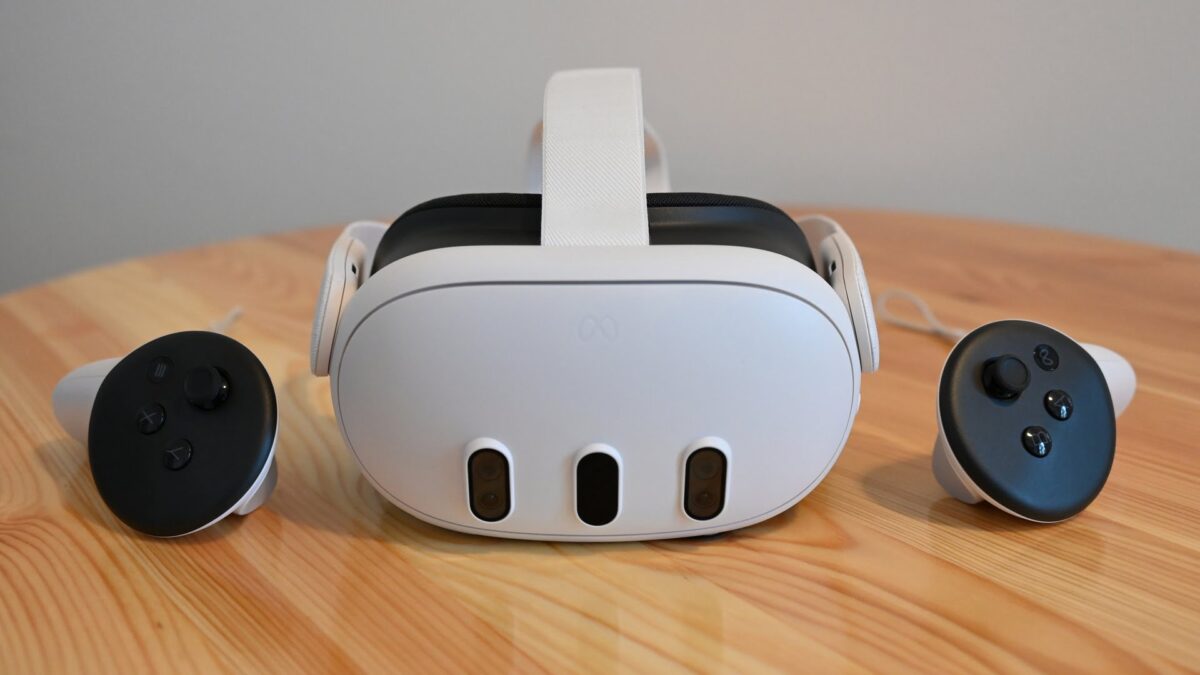
Ease of use: No base stations, quick guardian setup, and a huge content library make the Quest 3 the most approachable way to get into VR. For stand-alone gaming and fitness, it’s plug-and-play. PCVR is available via Link cable or Air Link for enthusiasts who want sim racing, flight, or modded titles.
Visuals & performance: Resolution and lenses are a clear step up over earlier stand-alone headsets, with less blur and better edge-to-edge clarity. The XR2 Gen 2 does well with modern stand-alone titles, though you’ll still see compromises versus a powerful PC. Mixed-reality passthrough is genuinely useful for desk work, MR apps and safety awareness, but it’s not life-like video — more “good enough to be useful.”
Comfort & tracking: Tracking is rock-solid under normal lighting, controllers feel natural, and hand-tracking is now good enough for menus and casual apps. The default strap is okay; for long sessions or perfect balance, we usually recommend an aftermarket strap or battery headstrap.
Ecosystem & costs: The store has depth — games, fitness, productivity and creative tools. Some premium experiences benefit from extras (better strap, case, cable or Wi-Fi 6/6E router for top-tier streaming). That said, as an all-in-one that can also tether to PC, the flexibility is excellent.
Verdict: Quest 3 is the best “do-it-all” headset for most people: easy to live with, great library, and credible mixed reality. Image-quality purists chasing max fidelity will still prefer a PCVR headset powered by a high-end GPU, but for convenience and value, this is the current sweet spot.
Thinking about a Quest 3? We can supply, recommend accessories, optimise setup, and include **free setup**.