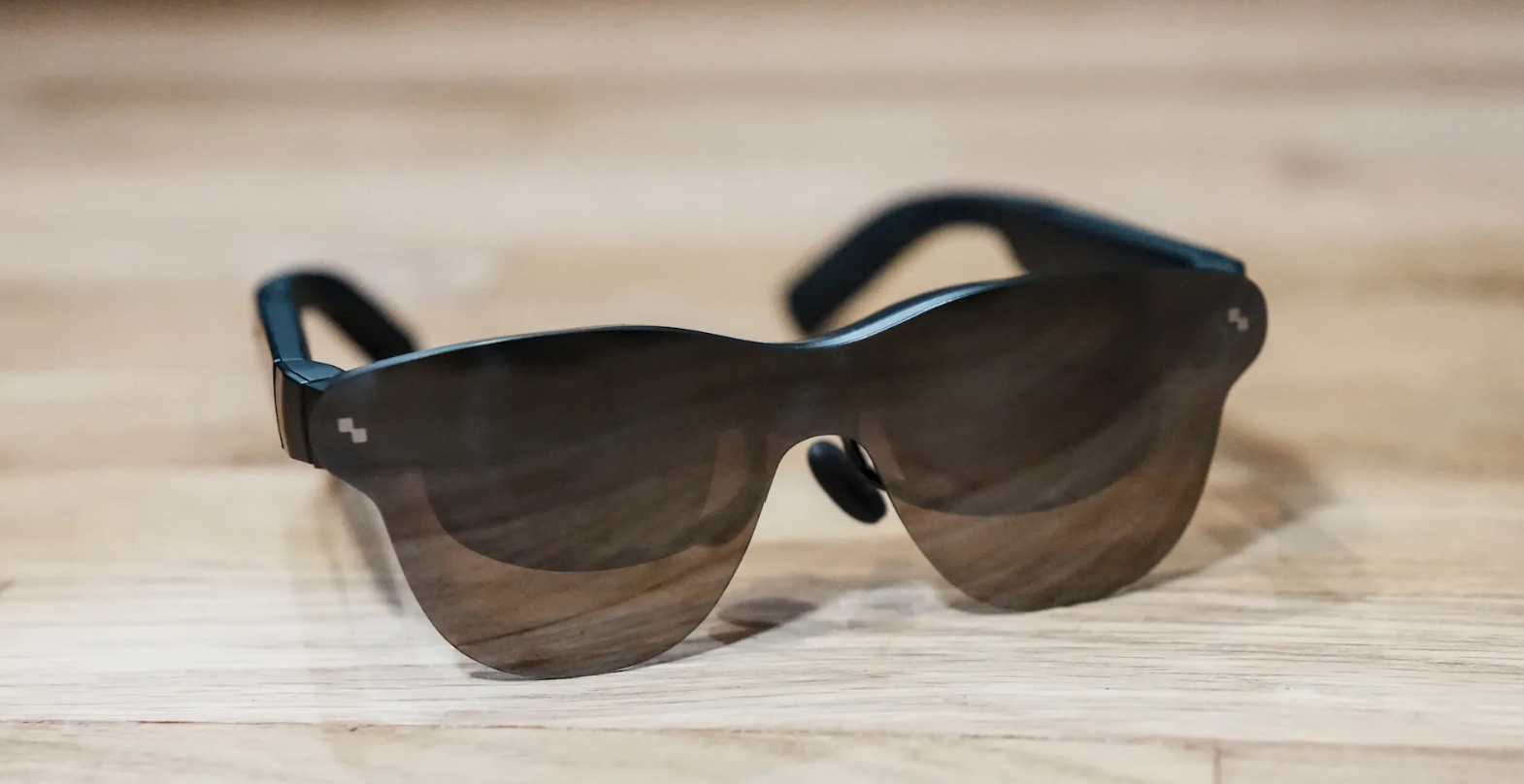
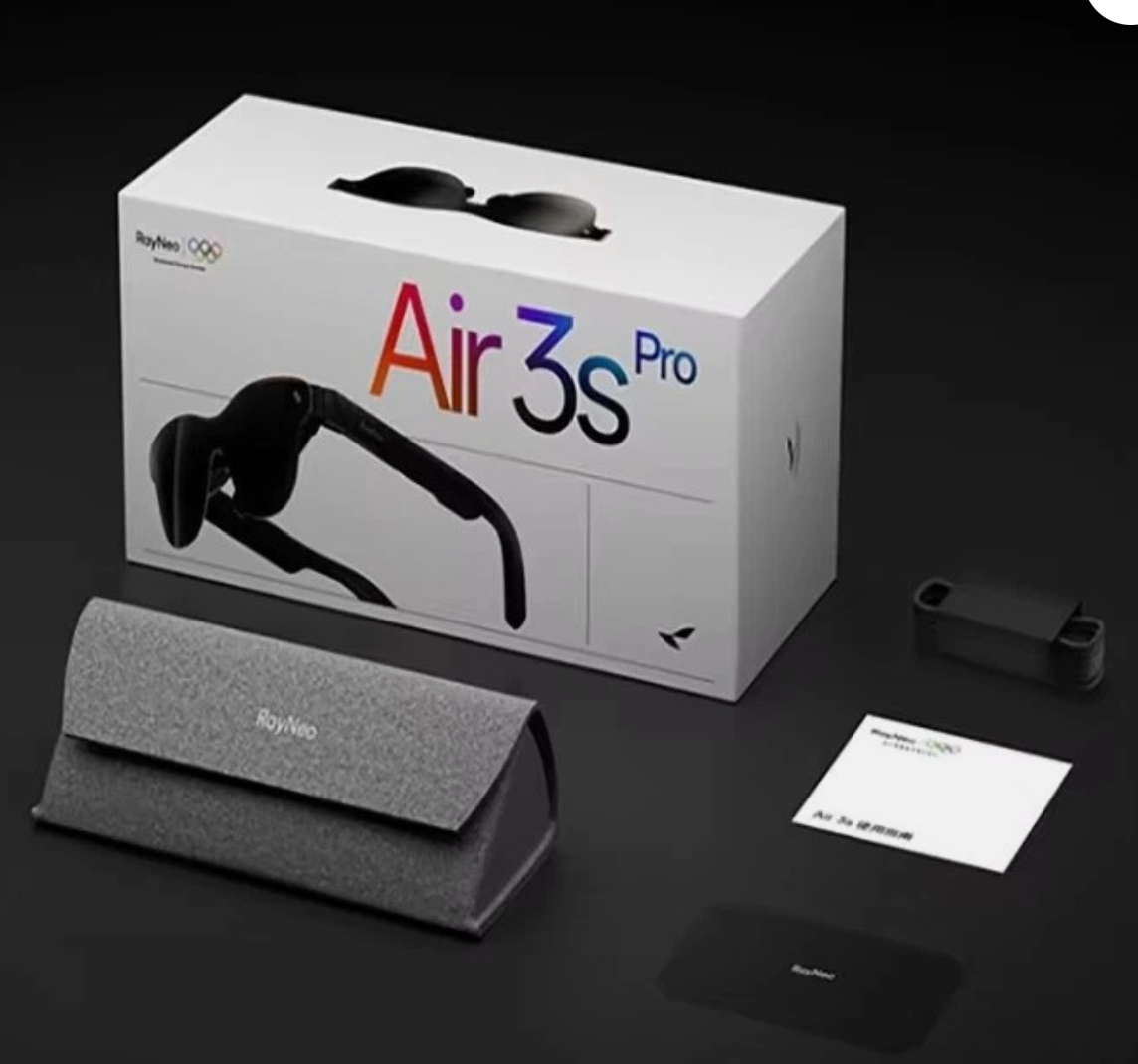
RayNeo Air 3S Pro — Smart Glasses
| Display | Micro-OLED (projected virtual screen) |
| Connectivity | USB-C (DP Alt Mode) via compatible devices |
| Audio | Open-ear speakers |
| Prescription | Optional inserts available |
| Use cases | Personal cinema, light desktop work, travel |
Setup & compatibility: If your laptop, handheld or Android phone supports DisplayPort over USB-C, setup is instant — plug in and you’re looking at a large, floating screen. For iPhones or devices without DP Alt Mode, you’ll need an adapter, which adds a small cost and a little cable bulk. Once connected, latency is negligible for video and general productivity.
Picture quality & use: The micro-OLED image is crisp with excellent contrast, making films, YouTube and even spreadsheet work comfortable. The virtual screen feels like a 100–130″ TV a few metres away. For productivity, it’s best as a single “focus” display; you can mirror a desktop, but it’s not a multi-window AR workspace — think portable cinema more than holographic computer.
Comfort & design: Weight distribution is sensible and the nose pads are adjustable, so most people can wear them for a film without hotspots. They’re impressively thin and tidy-looking, which helps them pass for normal sunglasses more than most wearable displays. Open-ear speakers keep you aware of your surroundings and are fine for video; for privacy or bass, pop in earbuds.
Where they shine: Commuting, flights, hotels and shared spaces — anywhere you want a big screen without disturbing others. They’re also handy as a “guest” monitor while we diagnose a PC, or as a discreet second screen for notes during calls.
Trade-offs: Bright daylight can wash the image unless you use the included light shield. Audio leaks a bit at higher volumes. And because it’s a display, not a full AR headset, there’s no spatial tracking or room-aware interaction. As with all DP-Alt products, compatibility quirks can require adapters.
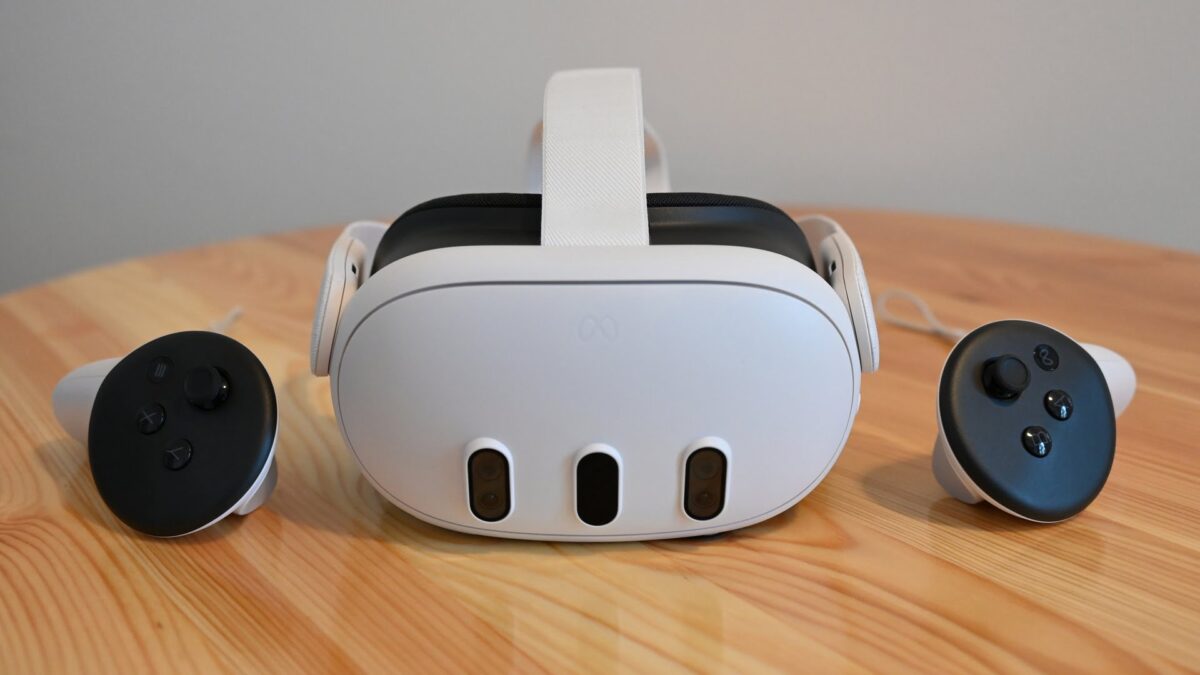
Verdict: If you want a portable, good-looking big screen for media and light work, the Air 3S Pro delivers with minimal faff. If you’re expecting interactive AR or full desktop replacement, you’ll want something else — but as a travel-friendly personal cinema, they’re an easy recommendation.